Biometric Fingerprint Scanners: A Practical 2026 Buyer’s Guide
Passwords fade, cards get lost, but a fingerprint stays with its owner. That simple truth explains why a biometric fingerprint scanner has become the quiet backbone of secure access in 2026. From bank onboarding to attendance systems, these small devices verify identity in a fraction of a second.
This guide walks through how the technology works, what to look for, and where it fits. We have integrated these scanners into real enrolment workflows, so the tips below come from testing, not brochures.
How a Biometric Fingerprint Scanner Works
A scanner captures the unique ridges and valleys of a finger. It then converts that image into a mathematical template. The system never stores a raw picture; it stores an encrypted signature that cannot be reversed into the original print.
When someone scans again, the device compares the new reading with the stored template. A match grants access or confirms identity. The whole process finishes in well under a second on modern hardware.
Optical, capacitive, and multispectral sensors
Optical sensors photograph the surface of the finger. Capacitive sensors read the electrical differences across ridges. Multispectral sensors look beneath the skin, which makes them reliable even with dry, worn, or slightly damaged fingerprints.
Why the Right Biometric Fingerprint Scanner Matters
Cheap sensors reject clean fingers and accept blurry ones. That failure frustrates users and undermines trust. A quality scanner reads reliably the first time, which keeps queues short and staff calm.
Accuracy also protects security. A strong sensor lowers both false accepts and false rejects, giving you dependable verification for payroll, banking, and access control.
A trusted device such as the Secugen Hampster Pro 20 is popular in enrolment kiosks because it captures crisp prints even in demanding conditions.
Where Fingerprint Scanners Deliver the Most Value
These devices shine anywhere identity must be certain. Below are the settings that benefit most in 2026.
- Banking and KYC: fast, fraud-resistant customer onboarding.
- Workforce attendance: no buddy punching or lost cards.
- Healthcare records: accurate patient identity matching.
- Government services: secure citizen verification.
- Access control: keyless entry for sensitive rooms.
What Should You Compare Before Buying?
Specifications decide whether a scanner survives daily use. Use the table below to weigh the features that matter.
| Specification | What to Look For | Why It Matters |
|---|---|---|
| Sensor type | Optical or multispectral | Affects reliability on tough fingerprints |
| Certification | FBI or FAP standards | Confirms image quality for official use |
| Template encryption | On-device encryption | Protects stored biometric data |
| SDK support | Clear developer tools | Speeds integration with your software |
| Durability | Scratch-resistant platen | Withstands heavy daily scans |
A tip that saves headaches
Test the scanner with your hardest users first. Field staff with worn fingerprints reveal weaknesses fast. If a device reads them well, it will handle everyone else with ease.
Rolling Out Biometric Enrolment
A smooth rollout depends on order. Follow a clear sequence so enrolment stays fast and clean.
- Choose a certified scanner and confirm SDK compatibility.
- Set clear consent and privacy notices for users.
- Capture two fingers per person as a backup.
- Encrypt and store templates securely.
- Test verification before going fully live.
The National Institute of Standards and Technology publishes benchmarks that show how much sensor quality affects match accuracy. Checking a device against recognised standards is the surest way to avoid a weak purchase.
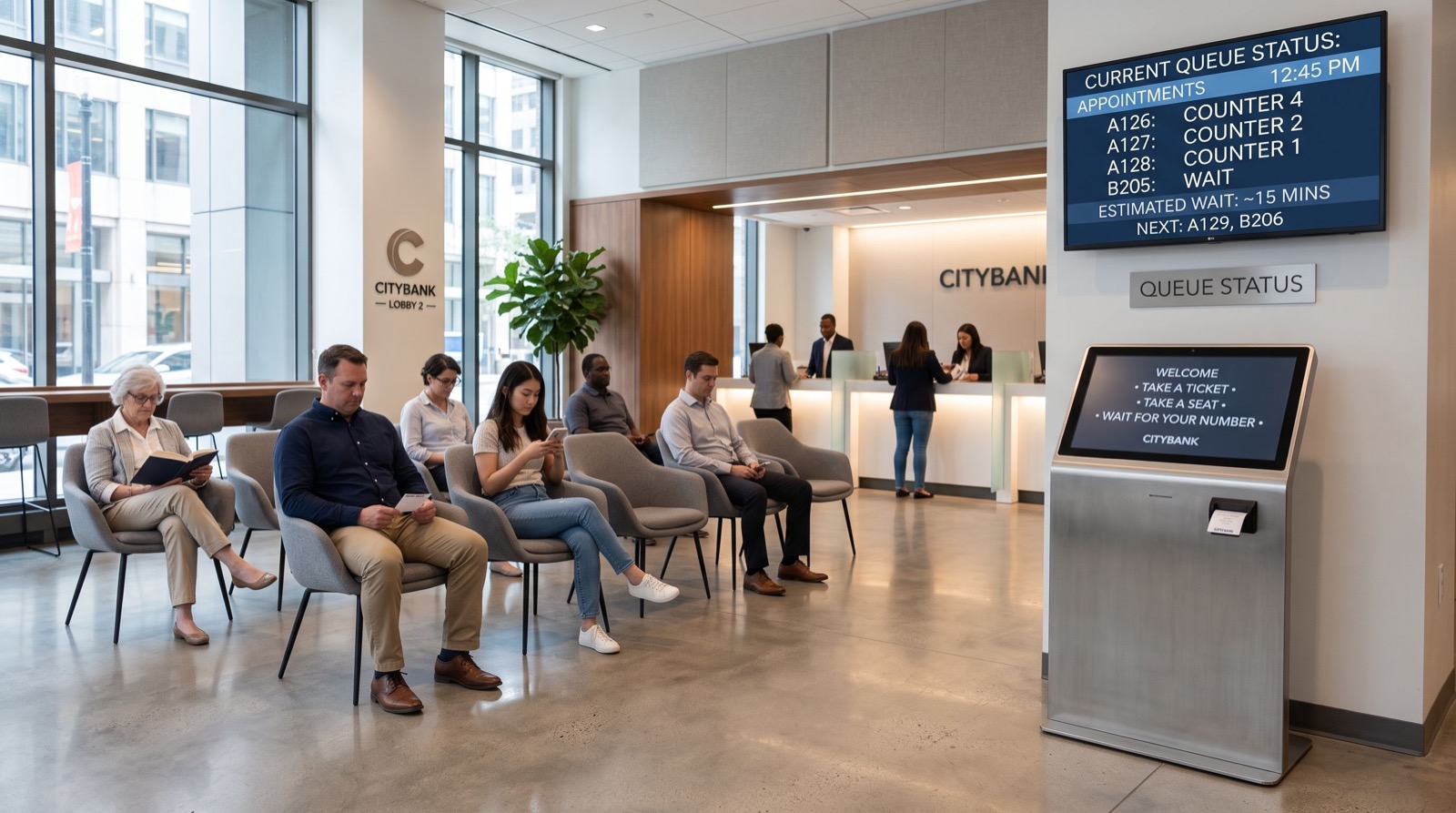
Busy service halls often pair enrolment with a queue management system in saudi arabia so that identity capture and customer flow work as one smooth process.
For integration and support, choosing quality service providers means fewer surprises during deployment and cleaner data afterwards.
Privacy and Compliance Considerations
Biometric data is sensitive by nature, so responsible handling is not optional. Users must know what you capture, why you keep it, and how you protect it. Clear consent builds the trust that makes adoption smooth.
Store only the encrypted template, never a raw image. Keep templates on secure, access-controlled servers, and delete them when a person leaves your system. These simple rules keep you aligned with modern data-protection expectations.
Balancing security and convenience
The best deployments make security feel effortless. If verification is quick and reliable, users barely notice it. If it is slow or error-prone, they look for workarounds that weaken the whole system.
Aim for a single confident scan. Capture a backup finger during enrolment so a cut or bandage never locks someone out. That small step prevents most support calls down the line.
Common Deployment Pitfalls
Many projects stumble on avoidable details. Learning from them saves time and budget.
- Skipping enrolment quality checks: a poor initial scan haunts every future match.
- Placing scanners in harsh light: optical sensors dislike direct glare.
- Ignoring cleaning routines: a dirty platen slowly degrades accuracy.
- Forgetting a fallback: always offer an alternative for rare read failures.
Address these early and your rollout stays smooth. The goal is a device that reads right the first time, every time, so users trust it and staff rarely intervene.
Frequently Asked Questions
Can a biometric fingerprint scanner be fooled by a photo?
Quality scanners include liveness detection that checks for real, living tissue. Capacitive and multispectral sensors make fake prints extremely difficult, so a simple photo will not pass.
Is fingerprint data safe to store?
Yes, when handled correctly. Scanners store an encrypted template, not an image, and the template cannot be reversed into the original print. On-device encryption adds a further layer of protection.
Do scanners work on dry or worn fingers?
Multispectral sensors read beneath the surface, so they perform well even on dry, worn, or slightly damaged fingertips. This makes them ideal for manual workers and older users.
How fast is verification?
Modern scanners verify identity in well under a second. That speed keeps queues moving and makes the technology practical for high-volume settings like banks and offices.
Final Thoughts
A biometric fingerprint scanner offers a rare mix of speed, security, and simplicity. In 2026, it protects identities across banking, healthcare, and the workplace without slowing anyone down. Choose a certified sensor, test it on your toughest users, and store templates responsibly.
Get those basics right and fingerprint verification will quietly do its job every single day.